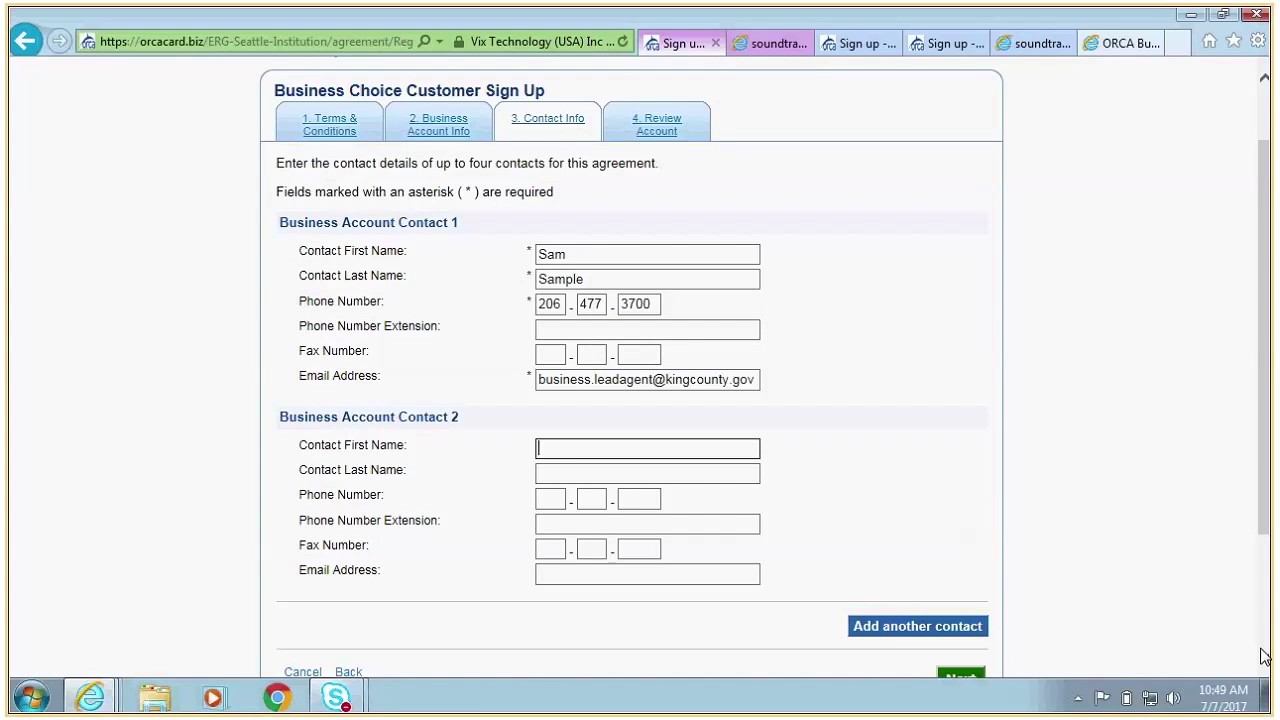
Steps for setting up an ORCA Business Choice AccountSetting up your ORCA Business Choice account only happens once! After the initial set up, all that is required is to log in monthly to re-load value onto employee cards. Both Step 1 and Step 2 below must be completed for your account to be activated.
Step 1 |
Register your company for a Business Choice Account online at www.orcacard.biz. |
Step 2 |
Open the Business Choice agreement (revised 4/19/10). Tab through the agreement and enter your company information as indicated. Then print, sign, and mail the agreement via U.S. Postal service to King County Lead Agency Representative, 201 S. Jackson, KSC-TR-0326, Seattle, WA 98104.
Metro's receipt of your signed agreement will place your company in the queue for account approval and activation. Please allow 45-60 days for the one-time initial account set up. |
Step 3 |
Receive e-mail from Metro with account activation notice and Business Account User Manual (updated 3/30/10). |
Step 4 |
Log in to your online business account at www.orcacard.biz and order your ORCA cards. You will be able to order the cards and load them with monthly passes or other items that you want on those cards. Or you can order just the cards and wait until you have them in hand to go back to your online business account and load the items you need on the cards. (This could be a good option if you are uncertain what employees need.) Your order will be approved after payment is received by Metro. (Please indicate on your agreement if you will pay for orders by credit card or by mailing a company check.) |
Step 5 |
Receive your ORCA cards from Metro with or without added value depending on what you ordered. |
Step 6 |
Each month thereafter, log in to your online business account at www.orcacard.biz and load cash value or monthly passes on employee cards. Allow 48 hours after Metro receives your payment for loaded items to be activated on the employee ORCA cards. Allow 30 days for ordering new cards. |
|